Meet people moving into your market.
- Your service area
- New mover
- Estimated wealth
Explore the map, review available matches and save a local audience for a relevant introduction.
Go further with ClientGen
When you’re ready to grow beyond the people you know, explore your local market, discover shared connections and find a thoughtful reason to start a conversation.
Optional lead generation · $2,388/year · 1,000 upfront profile credits. Data and life-event coverage vary.

ONE PRACTICAL EXAMPLE
Follow a new-mover campaign from search to outreach. An illustrative scenario, with real ClientGen screens to explore.
01 / Build your audience
Choose the area you serve, a relevant life event and the financial profile that fits your practice.
Explore discoveryWho would you like to meet?
Your audience takes shape.Review available matches, then save the search.
Illustrative workflow, not a customer result. Data and event coverage vary.
Actual product screen. The example above simplifies the workflow for illustration.
START WITH YOUR GOAL
Start with a location, then refine financial, professional and life-event criteria. Review available results before unlocking contact information.
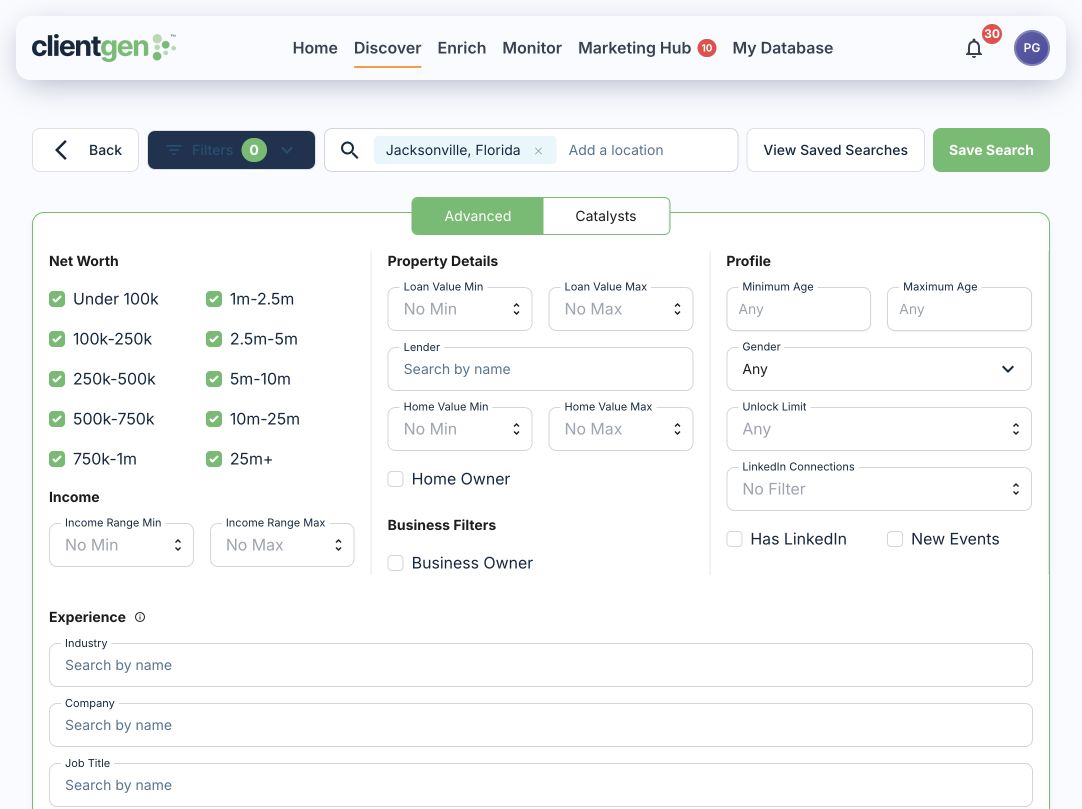
01 / Discover your next clients
Go beyond a name and a ZIP code. Combine your ideal client profile with life and business events to build a more relevant audience.
Explore the map, review available matches and save a local audience for a relevant introduction.
Focus on a company or professional niche your practice understands. Save the criteria for your next search.
Combine your audience with an available life-event signal, then review the profile before reaching out.
Example search combinations. Record counts, estimates and event coverage vary. Save your criteria and review the current results when you return.
The depth behind the name
Estimated wealth is only the beginning. Explore family connections, relatives’ wealth estimates, property, career history and life events to prepare for a more informed conversation.
Business owner · Annapolis, MD
See available relatives, relationships and individual estimated net worth.
Individual estimates are not added together as household wealth.
Event type, date and details give you a reason to reconnect.
Joined a new company as chief operating officer.
Relocated to Annapolis, Maryland.
Go into the conversation with context about the person, their family and a recent change.
Available property records also include ownership details.
Professional history can reveal shared experience and a natural starting point.
Keep the research and your next step connected.
Fictional people and values illustrate fields available in ClientGen. This is a simplified view, not a product screenshot. Data coverage varies; wealth and income figures are estimates.
Discover by catalyst and event date, or monitor contacts for new events.
See the depth of the data in a market you know.
Explore a profile with us Your relationships. More possibility.
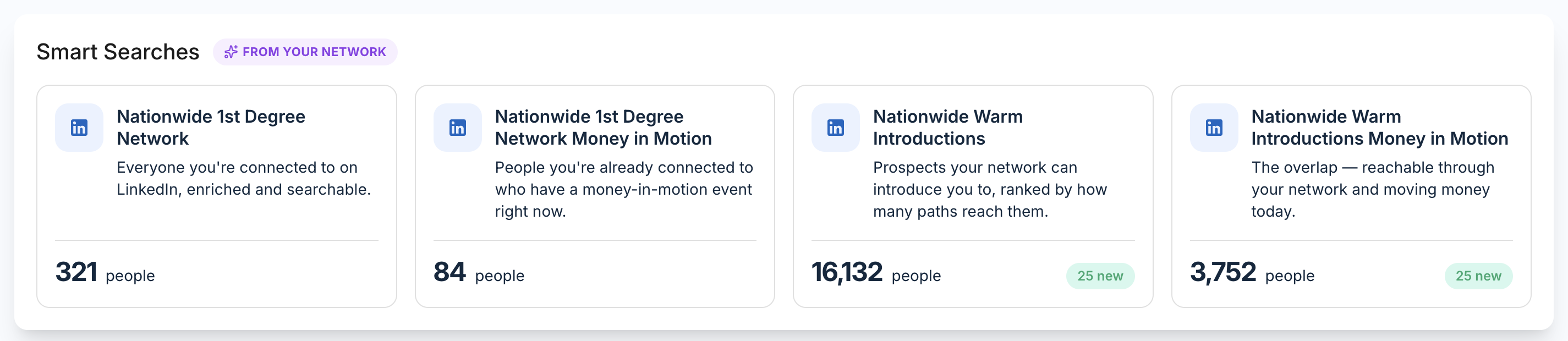
Connect LinkedIn to turn the people you know, and the people they know, into searchable, enriched audiences. See who fits your practice and who has a timely reason to talk.
Show me warm introductionsA path to a warmer conversation
New job · Promotion · Business sale · Retirement age
See the shared relationship, choose who to ask and start the conversation with context.
Search your first-degree network with available wealth, household, property and professional context.
Discover and enrich second-degree prospects. Find who can introduce you and compare available paths.
Surface life and business events across both audiences, so your outreach has a relevant starting point.
Build a focused audience, request a warm introduction or use LinkedIn connection and message steps in your campaign.
02 / Enrich the contacts you have
An old prospect list. A person you just met. Contacts from your CRM. Add available contact details, financial estimates and professional context, then decide who deserves a fresh conversation.
Check My Database first. Find contacts you already have before purchasing additional data. Review matches and any credit requirement before unlocking a new profile.
03 / Put your prospecting in motion
Unlock Flows connects Discover to the Marketing Hub. Choose your audience, prospects per run and schedule. Your flow unlocks matching prospects and starts the campaign you select.
Define your market, ideal client and relevant life events.
Choose a saved search, prospects per run and schedule.
Check the audience, campaign and costs before starting your flow.
See replies, connections and QR scans, then take the next step.
Review the audience, schedule and costs before starting a flow. A saved campaign with no enrolled contacts does not send outreach. Profile credits, mailing and other execution costs apply.
One sequence. More ways to connect.
Arrange handwritten notes, postcards, LinkedIn connections and messages, email, delays and scheduled tasks into a campaign. Give each touchpoint a role in the conversation.
Channel setup and your firm’s required approvals apply. Mail and other paid services are additional.
Know who is engaging
Open the contacts behind replies, accepted connections and QR scans. See the context in My Database and decide on the next conversation—not just the next campaign.
Available metrics depend on the channel. Email opens are estimates; a queued item is not confirmation of delivery.
04 / Stay close to what changes
A client changes jobs. A prospect moves. A business owner sells. Monitor existing clients and prospects for supported events so you have a reason to reconnect and revisit what they need.
ClientGen offers integrations for LinkedIn, Salesforce, Wealthbox, HubSpot, Redtail and AdvisorStream, plus CSV workflows for existing lists.
Connections and supported actions differ by provider. We’ll walk through your workflow in the demo.
A clear software subscription
Discover, Enrich, Monitor and Marketing Hub, with 1,000 upfront profile credits. Optional Campaign Service adds hands-on support. Mailing, media and additional usage are separate.
Your ClientGen data subscription includes current Claude connector software for postcards, handwritten notes and personal pages. Bring an approved audience; connecting does not automatically synchronize your database. The upgraded Reach workflow and console remain private.
Explore ClientGen ReachFrom a useful search to a useful conversation
New prospects, existing relationships and a clearer next step.
Walk through my workflowNo. Discover prospects, add available context to contacts you already have, and monitor your existing book for supported changes. Use that context to decide both who to approach next and who deserves a timely follow-up.
Yes. ClientGen includes contact lookup and CSV list-enrichment tools. Supply the identifiers you have—such as name, email, phone, address or LinkedIn URL—and review available matches. Coverage varies. Check My Database for contacts you already have, and review any credit requirement before purchasing additional data.
Available profiles bring together estimated wealth, property, family relationships, professional information and life events. Use that context to prepare a relevant conversation. Estimates are not verified account balances, and relatives’ individual wealth figures should not be added together as a household total.
With LinkedIn connected, explore your first-degree network and available paths to people your connections know. Combine those relationships with available profile and life-event context. Having a LinkedIn profile does not by itself mean someone is your connection or that an introduction is available.
Yes. Prepare a campaign for your selected audience, or configure an Unlock Flow to unlock contacts from a saved search and enroll them in a campaign on your chosen schedule. Review the audience, credit use, message and execution costs before starting the flow. Saving a campaign alone does not enroll contacts or send messages.
Use reporting, the queue and the outbox to review activity and available responses. Replies, accepted LinkedIn connections and QR scans help you decide whom to follow up with. Email opens are estimates, and queue status is separate from confirmed delivery. Available metrics depend on the channel.
CLIENTGEN REACH
Turn your next workshop idea into a branded invitation, display ad and signup page. See the pieces together. Refine them with your firm. You approve the next step.
Preview the upgraded campaign workflow with our team. The Reach console remains private.
Explore ClientGen ReachSee current AI connections →“Build a campaign for our Planning Your Next Chapter workshop. Use our firm’s brand. Show me the invitation, ad and registration page.”
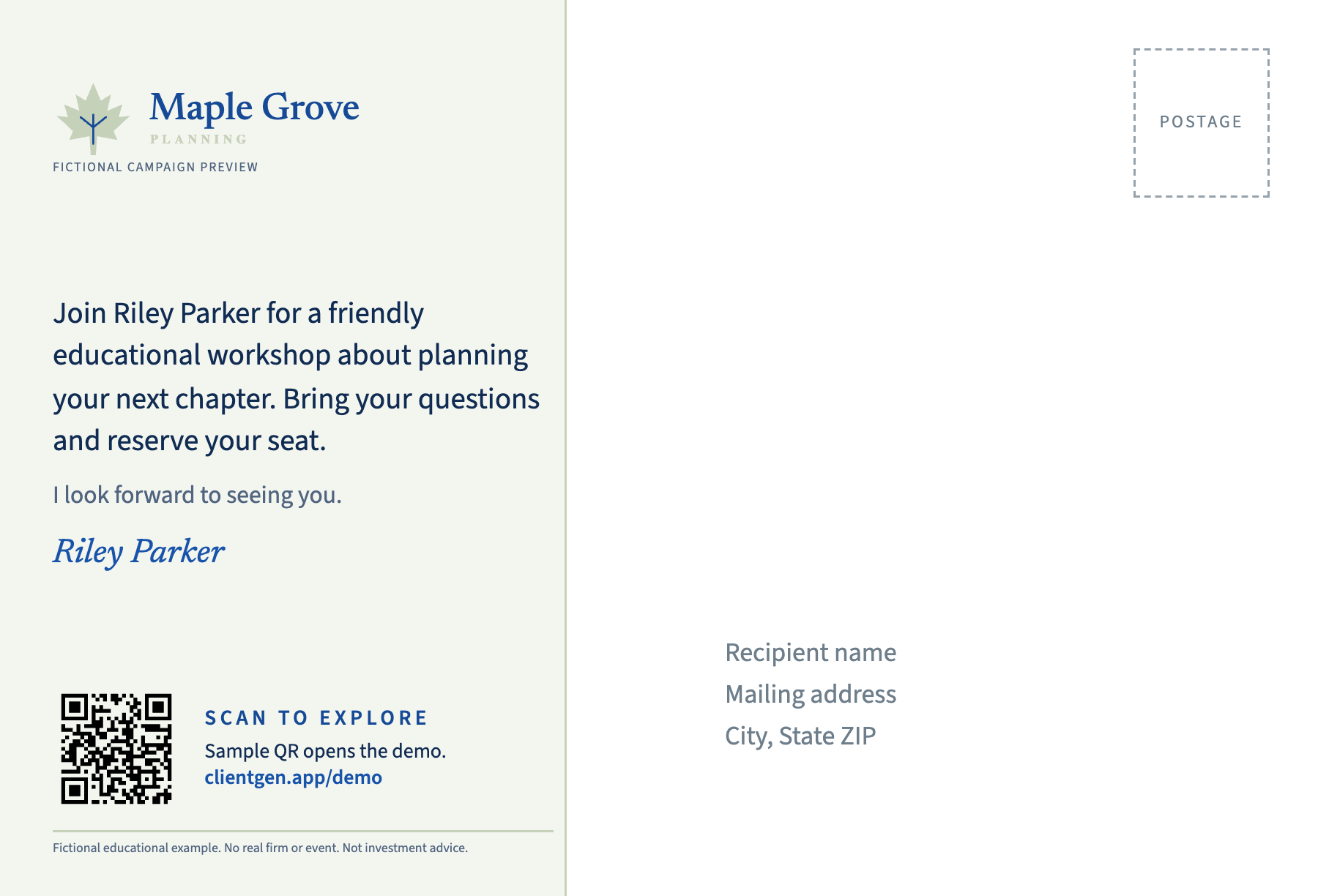
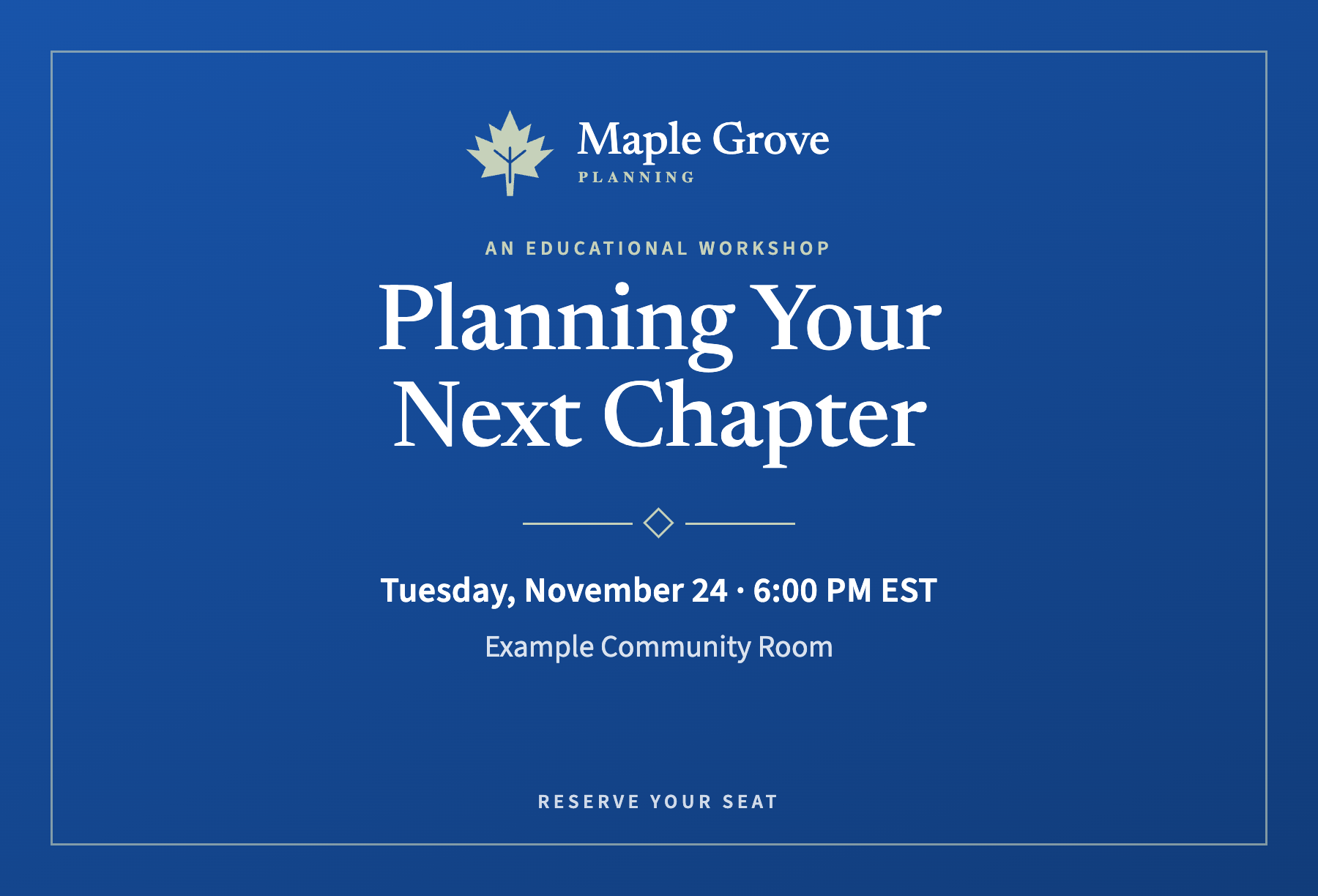
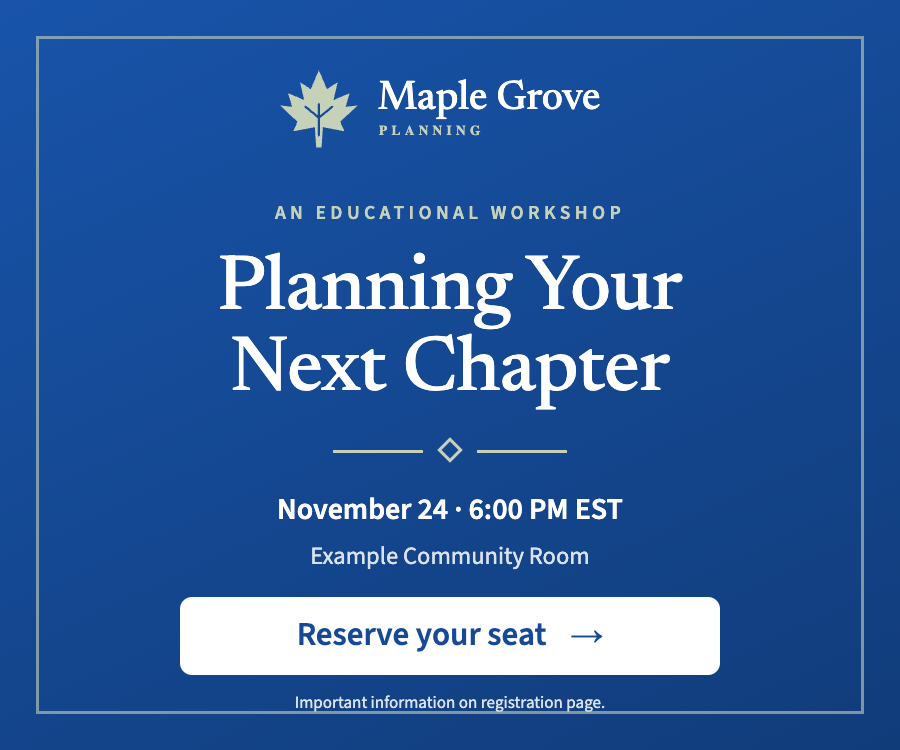
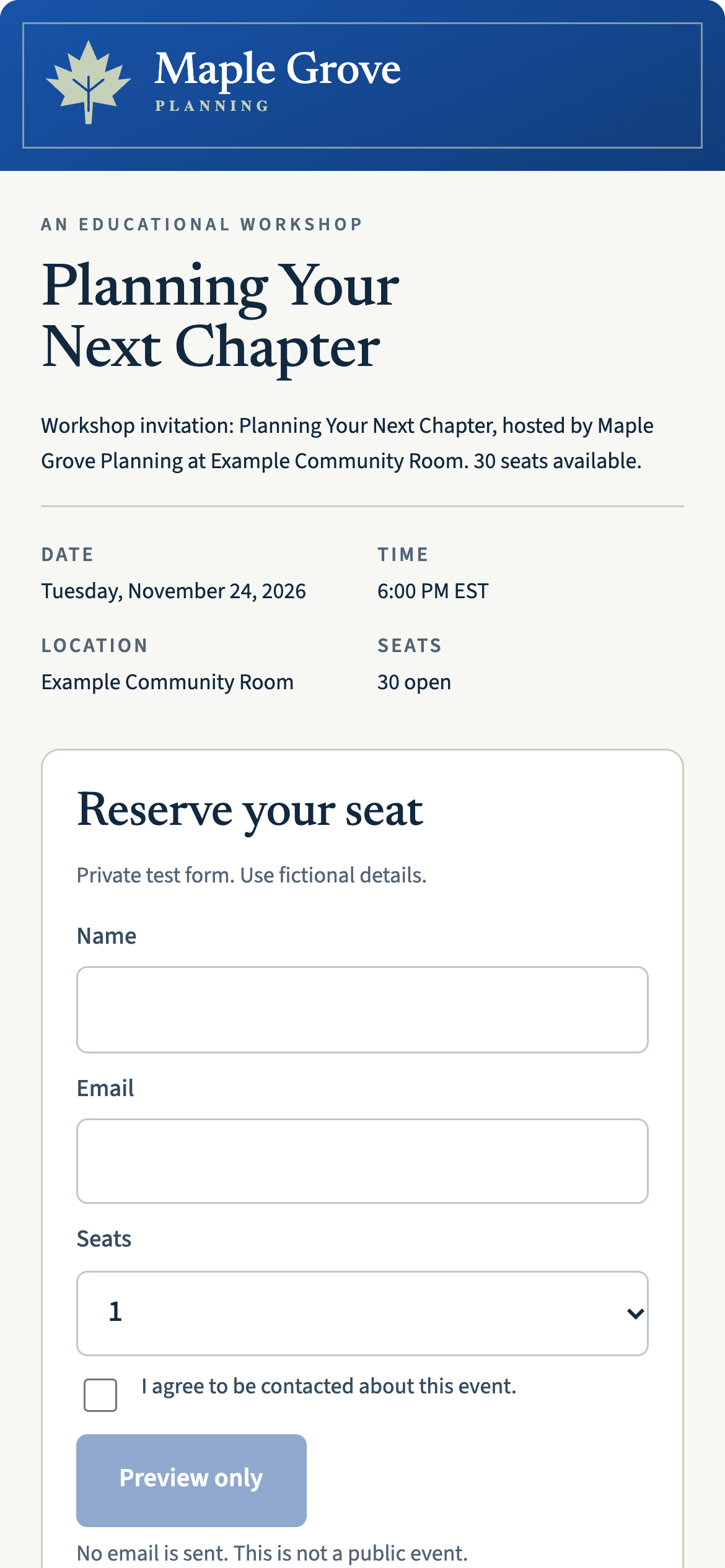
Fictional Maple Grove campaign. Styling examples adapted from product proofs; registration is a static preview.
*Current Reach connectors are available in Claude and ChatGPT. Reach console and upgraded campaign workflow remain in private preview.
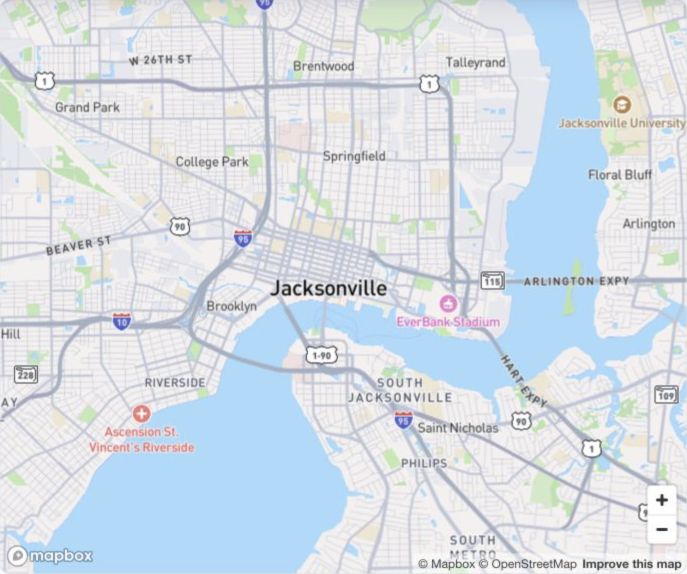 Jacksonville, Florida
Complimentary local opportunity report
Tell us your ZIP code and ideal client. Our team will prepare a market overview with anonymized profile examples.
Get my local reportNo meeting required. Prepared by our team, not an instant search. CLIENTGEN REACH